RC Status – Check RC Status Online on Parivahan & Vahan
Want to check RC status online? You can track your vehicle RC status, RC transfer status, RC renewal status, and RC dispatch status instantly using official systems.
Enter Vehicle Number
What Is RC Status?
RC status is the real-time processing stage of your vehicle's Registration Certificate in the VAHAN database, showing whether your RC is approved, pending, printed, dispatched, transferred, renewed, or under verification.
Whenever you apply for:
- New vehicle registration
- RC transfer
- RC renewal
- Duplicate RC
- Address update
- Hypothecation removal
You can track the progress using RC status check online. Also You Can RC Download Online.
RC Status vs RC Details – Important Difference
Many users confuse these.
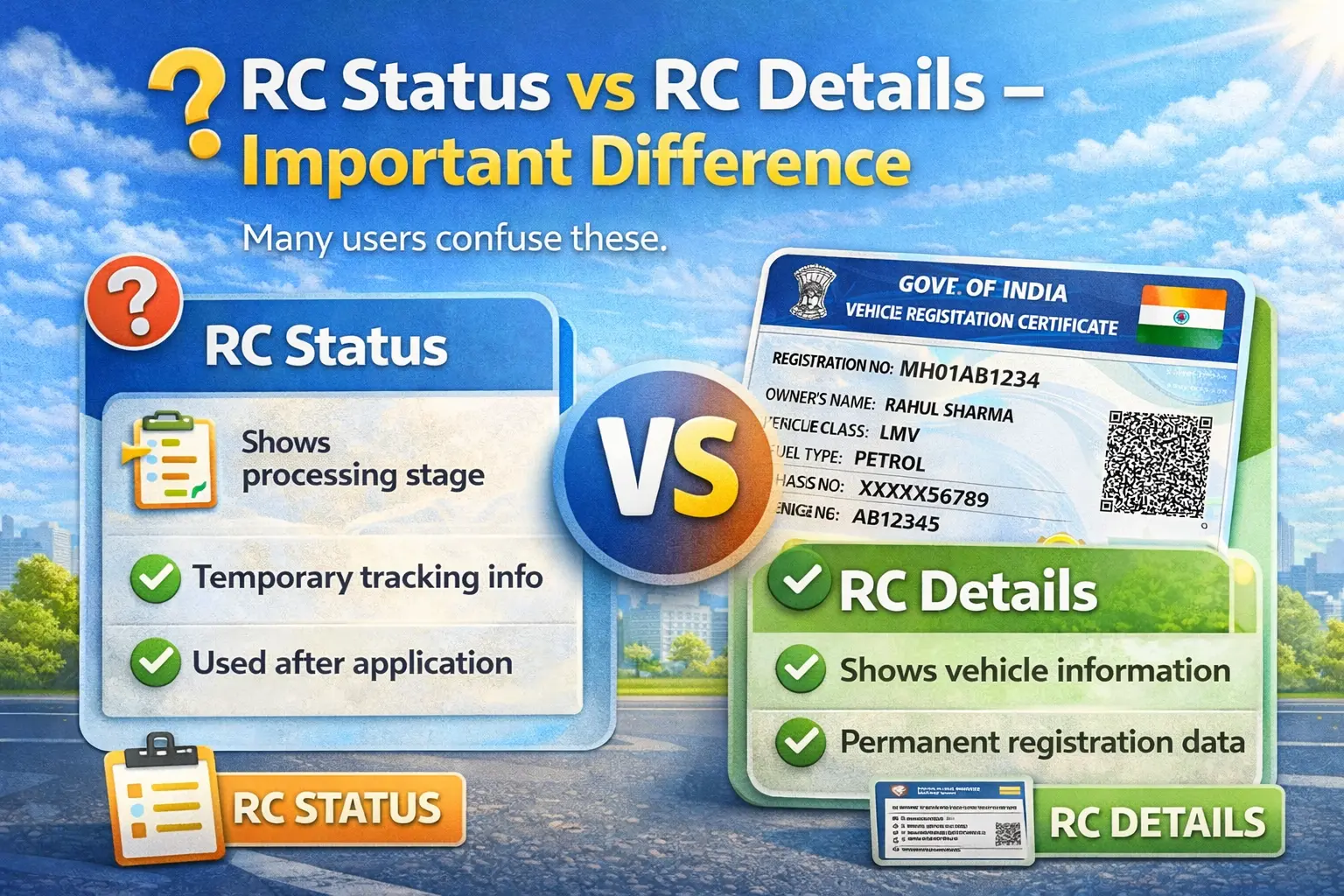
| RC Status | RC Details |
|---|---|
| Shows processing stage | Shows vehicle information |
| Temporary tracking info | Permanent registration data |
| Used after application | Used anytime for verification |
If you want ownership info → Check RC Details
If you applied for update → Check RC Status
Types of RC Status You Can Track
RC Application Status
If you recently registered a vehicle, check RC application status to see:
- Application received
- Under process
- Approved
- Printed
- Dispatched
RC Transfer Status
When buying or selling a vehicle, tracking RC transfer status is crucial. You can confirm:
- Ownership verification
- Document approval
- Owner name update
- Smart card printing
Until transfer completes, legal liability remains with previous owner. Know how to apply for RC Transfer online.
RC Renewal Status
Private vehicles require renewal after 15 years. Commercial vehicles have shorter validity. Tracking RC renewal status ensures:
- Fitness inspection updated
- Registration validity extended
- Renewal approval recorded
RC Dispatch Status
After approval, RC is printed and dispatched. RC dispatch status shows:
- Printing completed
- Sent via post
- Delivery in progress
Bike RC Status & Car RC Status
The process to check bike RC status, vehicle RC status, or check RC status bike is identical. You only need:
- Registration number
- Linked mobile number
How to Check RC Status Online
Method 1 – Parivahan RC Status Check
Parivahan Sewa provides official RC status check online.
Steps:
- Visit Parivahan vehicle services portal
- Select your state
- Enter vehicle registration number
- Complete OTP verification
- View RC status instantly
Supports:
- • rc status check by vehicle number
- • check rc status online
- • vehicle rc status
- • rc status parivahan
Method 2 – Vahan 4 RC Status
Many users search vahan 4 rc status. VAHAN Version 4 is India's centralized vehicle registry system.
What Is VAHAN 4?
VAHAN 4 is the upgraded national transport database where:
- All RTO vehicle records are stored
- Ownership updates are processed
- RC renewals are recorded
- Dispatch status is updated
When you check rc vahan status, you access this central system.
Method 3 – mParivahan RC Status
mParivahan allows mobile tracking.
Steps:
- Install mParivahan
- Register mobile number
- Add vehicle
- Verify OTP
- View RC status
Useful for:
- • mparivahan rc status
- • know your rc status
- • rc status online
Understanding RC Status Messages
| Status | Meaning |
|---|---|
| Application Received | RTO received request |
| Under Process | Verification ongoing |
| Approved | RC approved |
| Printed | Smart card printed |
| Dispatched | Sent via post |
| Pending at RTO | Awaiting verification |
| Rejected | Documents incomplete |
What to Do If RC Status Shows Rejected
Common reasons:
- Incorrect documents
- Signature mismatch
- Missing forms
- Pending verification
Solution:
- Check rejection reason
- Correct documents
- Reapply online
- Visit RTO if required
Why RC Status Takes Time to Update
Sometimes status remains "Under Process" for days.
Possible reasons:
- RTO workload
- Manual inspection
- Fitness test pending
- Loan clearance delay
- State-level verification
Processing time varies by state.
Expected RC Processing Timeline
| Service | Estimated Time |
|---|---|
| New RC | 7–15 days |
| RC Transfer | 15–30 days |
| RC Renewal | 7–20 days |
| Duplicate RC | 7–20 days |
| Address Change | 7–15 days |
Delays may occur during peak periods.
How to Track RC After Dispatch
If RC status shows "Dispatched" but not delivered:
- Wait 3–7 working days
- Contact local post office
- Check with RTO
- Reapply if returned
If undelivered, it may return to RTO.
When Should You Check RC Status?
You must check:
- After buying second-hand vehicle
- After applying RC transfer
- After renewing registration
- After duplicate RC request
- After hypothecation removal
Regular tracking prevents legal issues. Know more about RC Correction
State-Wise RC Status Availability
All Indian states now use centralized VAHAN 4 system. However:
- Interface may differ
- Processing time varies
- Inspection rules differ
- But database remains unified nationally
Common Issues While Checking RC Status
| Issue | Possible Cause |
|---|---|
| Registration Number Not Found | Vehicle not digitized. |
| OTP Not Received | Mobile not linked. |
| Server Error | Portal maintenance. |
| Status Not Updated | RTO delay. |
Solution: Retry later or use mParivahan.
Can You Drive If RC Is Under Process?
If RC is approved but not delivered, the digital record in Parivahan or mParivahan is generally accepted during traffic checks.
Always keep:
- Insurance
- Pollution certificate
- Driving licence
Why Use Official Parivahan for RC Status?
Official portals ensure:
- Real-time updates
- Secure OTP authentication
- Accurate database records
- Legal compliance
- Privacy protection
Avoid apps claiming full personal address details.