RC Download – RC Book Download PDF, RC Card, Duplicate RC & Parivahan RC Download Online Guide
Looking for RC download online? You can now complete your RC book download, get your RC download PDF, and access your vehicle RC download instantly using official government platforms like Parivahan, VAHAN, mParivahan, DigiLocker and UMANG.
RC Download Helper
Enter details to verify format, then we'll open the official VAHAN page.
Other Vehicle RC Services On RC Download
Access comprehensive vehicle registration services through our online portal guides.
This complete guide covers:
- RC download step-by-step
- RC book download online
- RC card download
- Car RC download & Bike RC download
- RC book status & tracking
- Duplicate RC download
- How to get RC download PDF
- Legal validity of Digital RC
What is RC Download?
RC download refers to the process of accessing and retrieving your official Vehicle Registration Certificate (RC) in digital format using your vehicle's registration number from government-managed databases.
In simple terms, when you perform an RC download online, you are fetching the legally registered details of your vehicle from India's central transport system and obtaining a digital copy (PDF or app-based record) of your RC book or RC card.
RC Download By States
Select your vehicle registration state to access RC download via Parivahan Sewa.
What is a Vehicle Registration Certificate (RC)?
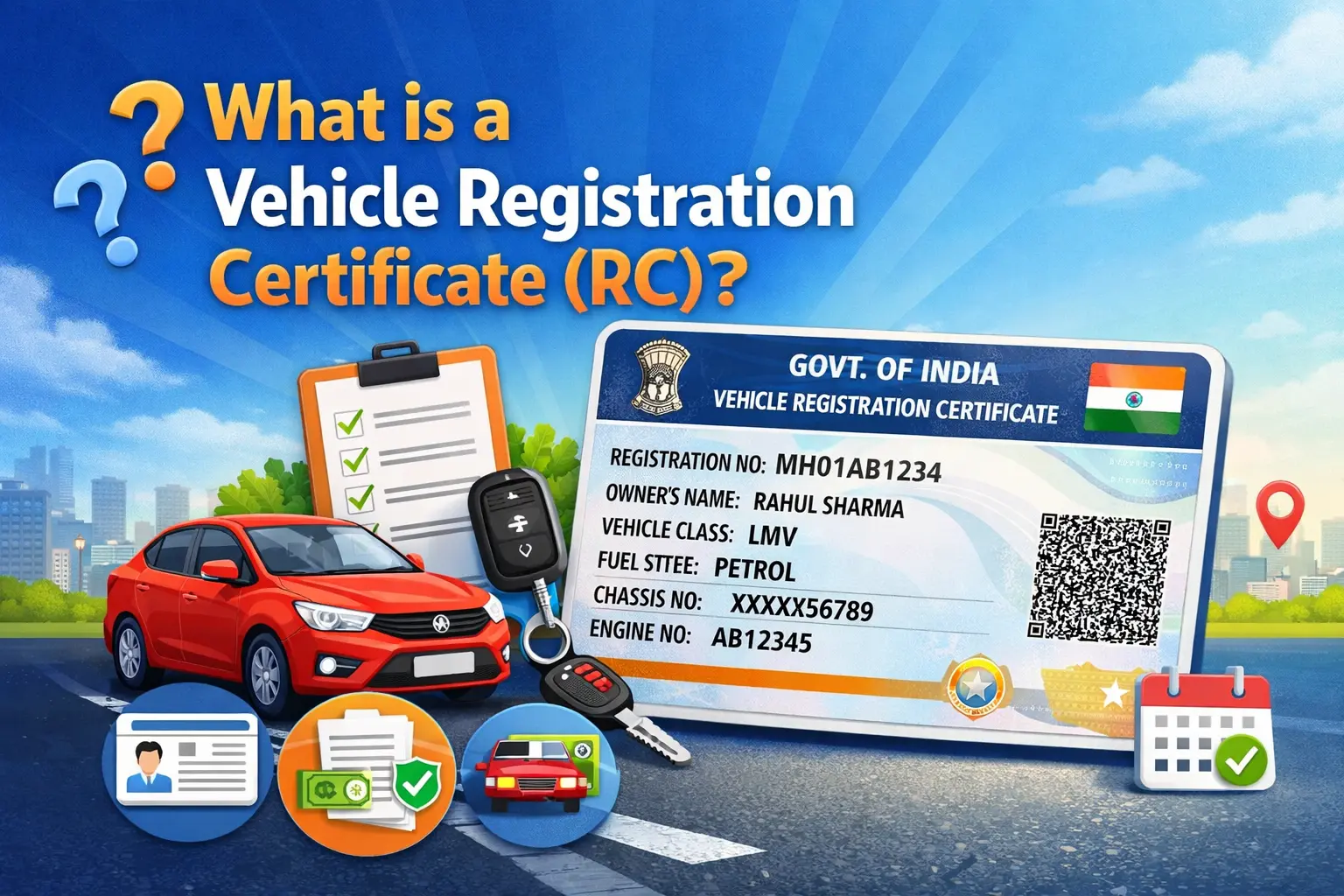
A Vehicle Registration Certificate is the primary legal document that proves a vehicle is registered with the government and permitted to operate on Indian roads.
It contains essential information such as:
- Registration Number
- Owner Name
- Engine Number
- Chassis Number
- Vehicle Class
- Fuel Type
- Registration Date
- Insurance Validity
- Hypothecation status (if financed)
Without a valid RC, a vehicle is not legally recognized for road use.
Who Issues the RC in India?
Vehicle RC is issued under the authority of the Ministry of Road Transport and Highways (MoRTH) through:
- Parivahan Sewa – Official vehicle services portal
- VAHAN – Centralized vehicle registration database
- Regional Transport Offices (RTO) – State-level implementation
What is RC Book?
RC Book full form: Registration Certificate Book. Earlier, vehicles were issued paper format RC book (Old RC). Now most states issue Smart Card RC or Virtual RC.
RC Book details include:
- • Registration number
- • Owner name
- • Engine number
- • Chassis number
- • Vehicle class
- • Fuel type
- • Insurance validity
- • Hypothecation details
You can perform RC book download online to access digital copy. For mobile-friendly access, check Virtual RC online.
RC Book vs Smart Card vs Digital RC
Understanding the difference between RC formats helps you choose the right option for your needs. All formats are legally valid and contain the same registration information.
| Format | Description | Availability |
|---|---|---|
| RC Book | Traditional paper booklet format (legacy) | Older vehicles only |
| Smart Card RC | Physical plastic card with chip/QR code | Standard for new registrations |
| Digital RC | PDF or app-based; legally accepted nationwide | Virtual RC, mParivahan, DigiLocker |
Digital RC is legally accepted during traffic checks. Check Virtual RC online.
RC Download PDF – How to Get Instant Copy
An RC download PDF is a digital copy of your Vehicle Registration Certificate that you can access online using your registration number. You can get your RC PDF instantly through official platforms.
Parivahan RC Download PDF
Use the official Parivahan Sewa portal. Steps:
- Visit Parivahan portal
- Enter registration number
- Verify with OTP
- Download RC PDF
DigiLocker RC PDF
DigiLocker allows you to fetch your RC directly from the VAHAN database. Steps:
- Login to DigiLocker
- Search Vehicle RC
- Enter registration number
- Download PDF
Is RC Download PDF Valid? Yes. RC PDF obtained from official platforms is legally valid and accepted during traffic checks.
RC Book Status & Tracking
You can check RC book status online to track your vehicle's registration process after applying for:
- New RC application
- Duplicate RC book
- Address change in RC
- Ownership transfer
Tracking helps you know whether your RC is approved, printed, or dispatched.
How to Check RC Book Status Online Via Parivahan Sewa
- Visit the official Parivahan Sewa portal
- Enter your vehicle registration number
- Verify details (if required)
- View current RC book status
- Track RC book dispatch details
Why is RC Download Important?
Performing an RC download online is not just about convenience — it is essential for legal compliance and vehicle ownership verification. Your Vehicle RC (Registration Certificate) acts as the primary proof that your car or bike is legally registered in India. Keeping a digital copy through RC book download or RC download PDF ensures you always have access to your official vehicle records.
Earlier, vehicle owners relied only on physical RC books or smart cards. Today, digital systems allow you to:
- Download RC PDF instantly
- Access Digital RC via mobile apps
- Verify vehicle ownership
- Use RC during traffic checks
- Maintain a safe backup copy
If your physical RC book is lost or damaged, you can apply for a duplicate RC or perform an RC download online to ensure you still have valid access to your vehicle documents.
Mandatory During Traffic Checks
During routine traffic inspections, authorities may ask for: Driving Licence, Insurance, Pollution Certificate, Vehicle RC. If you do not carry a physical RC book, you can show your Digital RC obtained via official platforms. A valid vehicle RC download copy is legally accepted and helps avoid penalties.
Required for Insurance Claims
In case of accident, theft, or damage: Insurance companies verify RC details; owner name and vehicle data must match; hypothecation details are checked. Having an updated RC download PDF or digital RC ensures faster claim processing.
Required for Vehicle Resale
When selling your car or bike: Buyer verifies vehicle RC details; ownership transfer requires valid RC; updated RC book is mandatory. Before resale, it is recommended to perform an RC download online to confirm that all details are correct in the system.
Acts as Proof of Ownership
Your RC book is the official document proving: You are the registered owner; the vehicle is legally recorded; the registration number is valid. Without a valid vehicle RC, ownership cannot be legally established.
Ensures Legal Compliance
Under Indian transport regulations, driving without a valid Registration Certificate can lead to: Fines; vehicle seizure (in certain cases); legal complications. Regular RC download and verification help ensure your vehicle records remain updated in the centralized system.
Common Issues While RC Download & How to Fix Them
While performing RC download online or RC book download, users may sometimes face technical or data-related issues. Most problems are temporary and can be resolved easily. Below are the most common RC download issues and their solutions.
Registration Number Not Found
Problem: When entering your vehicle registration number, the system shows "Record Not Found."
Possible Reasons: Vehicle data not updated in the VAHAN; old vehicle registered before full digitization; incorrect registration number format.
Solution: Double-check the registration number format; try again after some time; if vehicle is very old, visit your local RTO for record digitization. Once updated, you can perform vehicle RC download successfully.
OTP Not Received
Problem: OTP not received while attempting RC download online.
Possible Reasons: Mobile number not linked with RC; network delay; server load.
Solution: Ensure the mobile number is registered with the vehicle RC; wait for a few minutes and retry; check network signal; update mobile number via official process if required.
Server Error or Portal Not Working
Problem: Website shows error or fails to generate RC download PDF.
Possible Reasons: Heavy traffic on portal; scheduled maintenance; temporary technical glitch.
Solution: Retry after 10–15 minutes; try during non-peak hours; use alternative platforms like DigiLocker or mParivahan.
Old RC Not Available Online
Problem: Older RC book records may not be available digitally.
Possible Reasons: RC issued before digital system implementation; records not migrated to VAHAN database.
Solution: Visit the RTO where vehicle was registered; request digitization of old RC; after digitization, you can complete RC book download online.
Difference Between Parivahan and Sarathi Parivahan (Vehicle RC vs Driving Licence Services)
| Feature / Service | Parivahan Sewa (Vehicle Services Portal) | Sarathi Parivahan (DL Services Portal) |
|---|---|---|
| Main Purpose | Vehicle-related services including RC download online | Driving Licence (DL) and Learner Licence (LL) services |
| RC Download | ✅ Supports RC download PDF | ❌ Not available |
| RC Book Download Online | ✅ Yes, allows RC book download | ❌ Not supported |
| Vehicle RC Status | ✅ Check RC book status & tracking | ❌ Not available |
| Duplicate RC Download | ✅ Apply for duplicate RC book | ❌ Not supported |
| RC Transfer (Ownership Change) | ✅ Yes | ❌ No |
| RC Renewal | ✅ Available | ❌ Not available |
| Car RC Download | ✅ Supported | ❌ Not available |
| Bike RC Download | ✅ Supported | ❌ Not available |
| Driving Licence Application | ❌ No | ✅ Yes |
| DL Renewal | ❌ No | ✅ Yes |
| Learner Licence (LL) | ❌ No | ✅ Yes |
| Database Used | VAHAN (Vehicle Registry System) | Sarathi Driving Licence System |
| Governing Authority | Ministry of Road Transport and Highways | Ministry of Road Transport and Highways |
Comparison: Format Differences
| Feature | RC Book | Smart Card | Digital RC |
|---|---|---|---|
| Format | Paper Booklet | Plastic Card | PDF / App |
| Durability | Low | High | Permanent |
| Accepted by police | Yes | Yes | Yes |
| Storage | Physical | Physical | mParivahan / DigiLocker |
Digital RC is legally accepted nationwide.
How to Download RC Online (Step-by-Step Guide)
Follow the updated steps below via official government portals and apps.
Method 1 – Parivahan RC Download
How to Download RC Via Parivahan Sewa. Official platform for RC download online; all vehicle records stored in centralized VAHAN.
You can also do RC Update if you required.
Method 2 – VAHAN RC Download
How to RC Download Via Vahan Portal. India's centralized vehicle registry managed under the Ministry of Road Transport and Highways.
Method 3 – mParivahan RC Download
How to Download Vehicle RC Via mParivahan (Mobile App Method). Official mobile application under MoRTH.
 Android
 iOS
iOSMethod 4 – DigiLocker RC Download
How to Download RC Via DigiLocker. Government-backed digital document wallet; RC data retrieved from centralized VAHAN under MoRTH.
DigiLocker allows RC verification online.
Method 5 – UMANG App RC Download
How to rc book download via UMANG App. Unified Mobile Application for New-age Governance; vehicle data connected to VAHAN.
Car RC Download vs Bike RC Download
Both car RC download and bike RC download follow a similar online process, but users often search separately based on vehicle type. Below is a clear comparison to understand the difference.
| Feature | Car RC Download | Bike RC Download |
|---|---|---|
| Process | Same RC download online method via official portals | Same online process via official portals |
| Required Details | Vehicle registration number | Vehicle registration number |
| Platforms Available | Parivahan Sewa, mParivahan | Parivahan Sewa, mParivahan |
| RC Format | Smart Card RC / Digital RC / RC PDF | Smart Card RC / Digital RC / RC PDF |
| Database Source | VAHAN | VAHAN |
Key Takeaway
- The process for car RC download and bike RC download is identical.
- You only need your valid registration number.
- Both are retrieved from the centralized VAHAN database.
- You can access Digital RC or download RC PDF for both vehicle types.
RC Service Fees & Timeline (Approximate)
The fees and processing time for RC-related services may vary slightly by state and RTO. Below is an approximate overview for common vehicle RC services.
| RC Service | Approximate Fee | Estimated Processing Time |
|---|---|---|
| Duplicate RC Download | Rs 300 – Rs 500 | 7 – 15 days |
| RC Transfer (Ownership Change) | Rs 300 – Rs 1000 | 15 – 30 days |
| RC Address Change | Rs 200 – Rs 500 | 7 – 10 days |
Note: Fees and processing time may vary depending on the state, RTO office, and vehicle type—always verify details on the official Parivahan Sewa portal or with your local RTO.
Duplicate RC Download – Apply for New RC Book Online Via Parivahan Portal
If your RC book is lost, stolen, damaged, or completely unreadable, you must apply for a duplicate RC download to obtain a legally valid replacement. Driving without a valid RC can lead to penalties under transport laws, so replacing an old RC immediately is important.
When Should You Apply for Duplicate RC?
You need to apply for a duplicate RC book if: RC book is lost; RC smart card is damaged; RC details are unreadable; Original RC is stolen; Old RC booklet is torn or destroyed. This process issues a new RC and replaces the old RC record officially in the system.
How to Apply for Duplicate RC Online
You can apply through the official Parivahan Sewa managed under the Ministry of Road Transport and Highways.
Step-by-Step Process:
- 1. File FIR (if lost or stolen) — If your RC is lost, you may need to file an FIR or provide a self-declaration.
- 2. Apply Online — Visit Parivahan portal → Select Duplicate RC service → Enter registration number.
- 3. Upload Required Documents — Identity proof, Address proof, FIR copy (if applicable).
- 4. Pay Applicable Fee — Fees may vary by state (usually Rs 300–Rs 500 approx).
- 5. Track RC Book Status — Use your registration number to track processing and dispatch.
- 6. Download New RC (Digital Copy) — Once approved, you can access the updated Digital RC or download RC PDF online.
What Happens to the Old RC?
The old RC record is marked inactive. A new RC is issued with updated system records. VAHAN database updates the status automatically.
Important Notes
Duplicate RC download does not change your registration number. Ownership details remain the same unless separately updated. Digital RC becomes available before physical smart card delivery in many cases.
Latest Blog Posts
Explore our guides on vehicle registration, RC download, VAHAN, RTO procedures, and Parivahan-related topics.
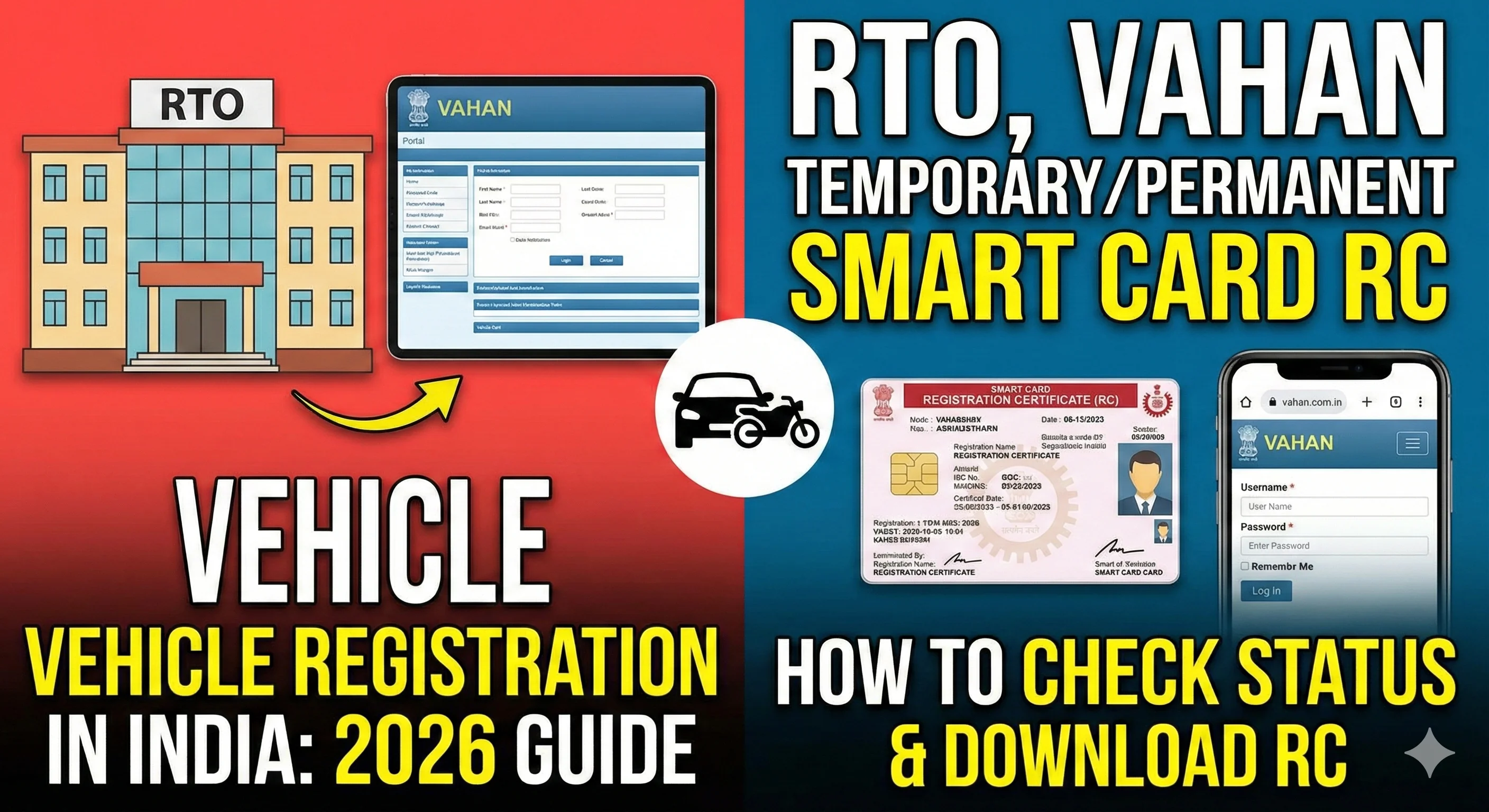
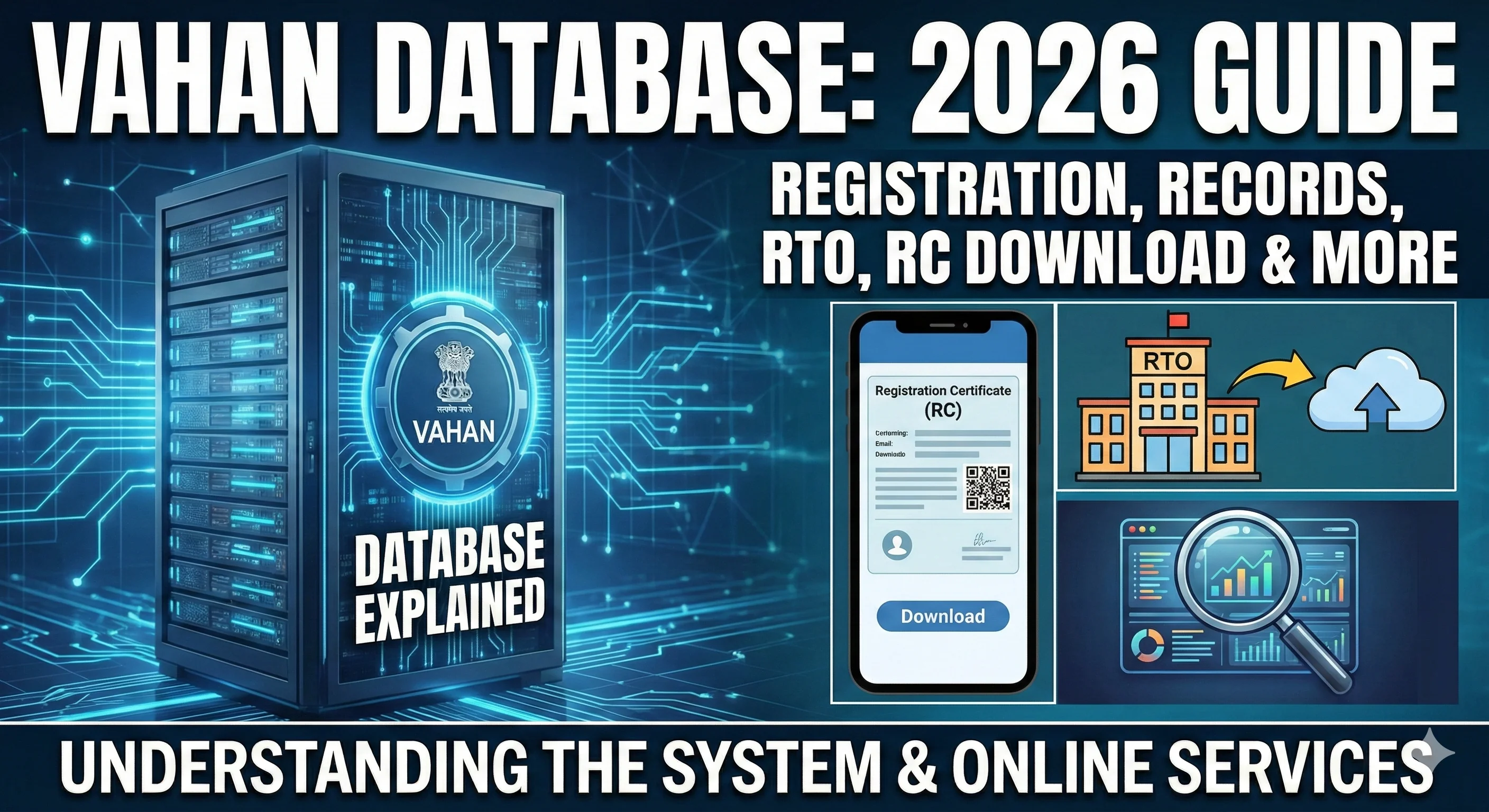
What Is VAHAN Database? (2026 Complete Guide)
Understand VAHAN database meaning, how it stores vehicle records, and how to verify your RC details through the national registry.
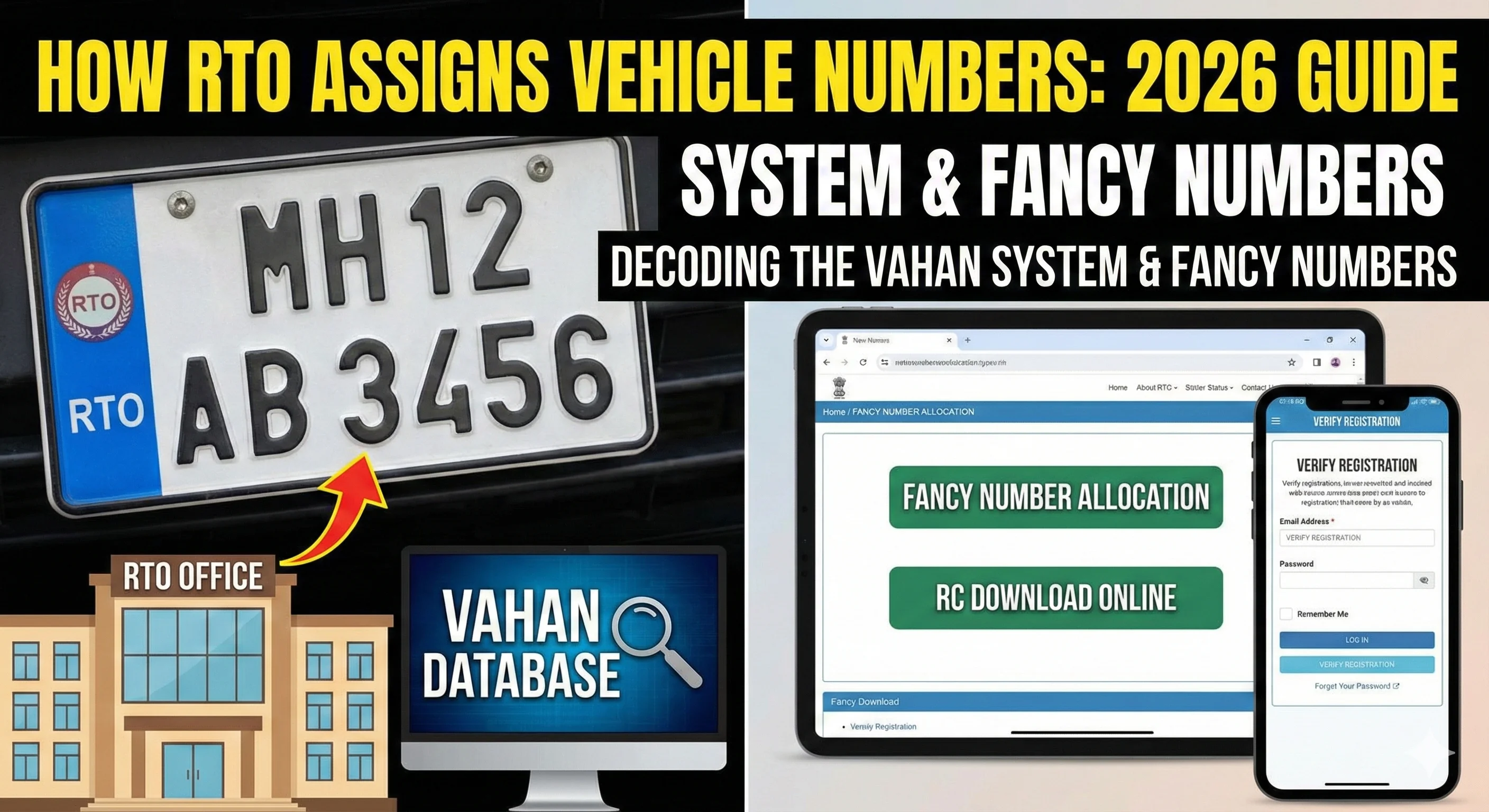
How RTO Assigns Vehicle Number (2026 Guide)
Learn how RTO assigns vehicle registration numbers, state code, series allocation, and how your number is stored in VAHAN.
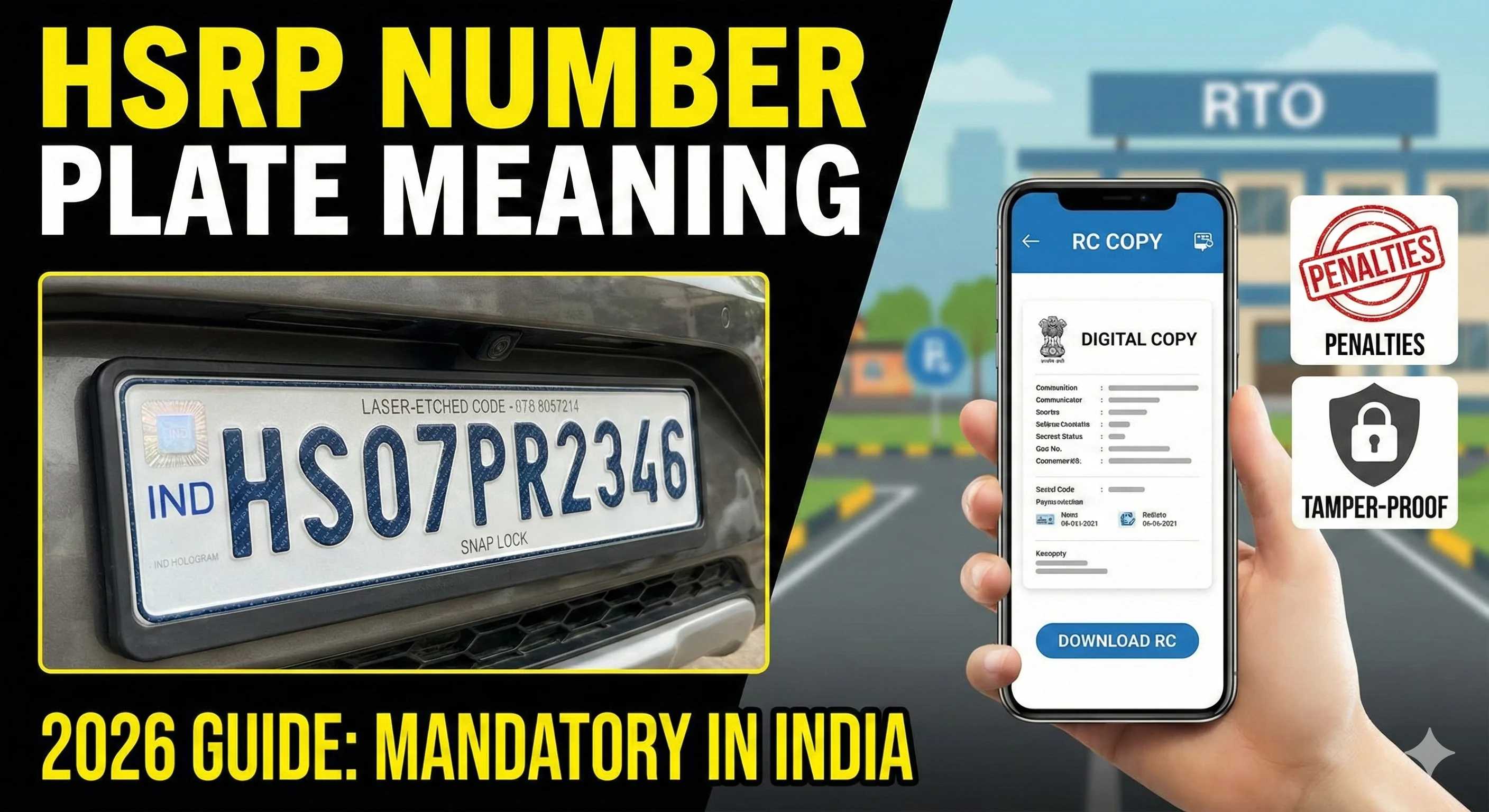
What Is HSRP Number Plate? Meaning, Rules & Benefits (2026 Guide)
Learn HSRP number plate meaning, High Security Registration Plate rules, installation process, and how HSRP is linked to VAHAN.
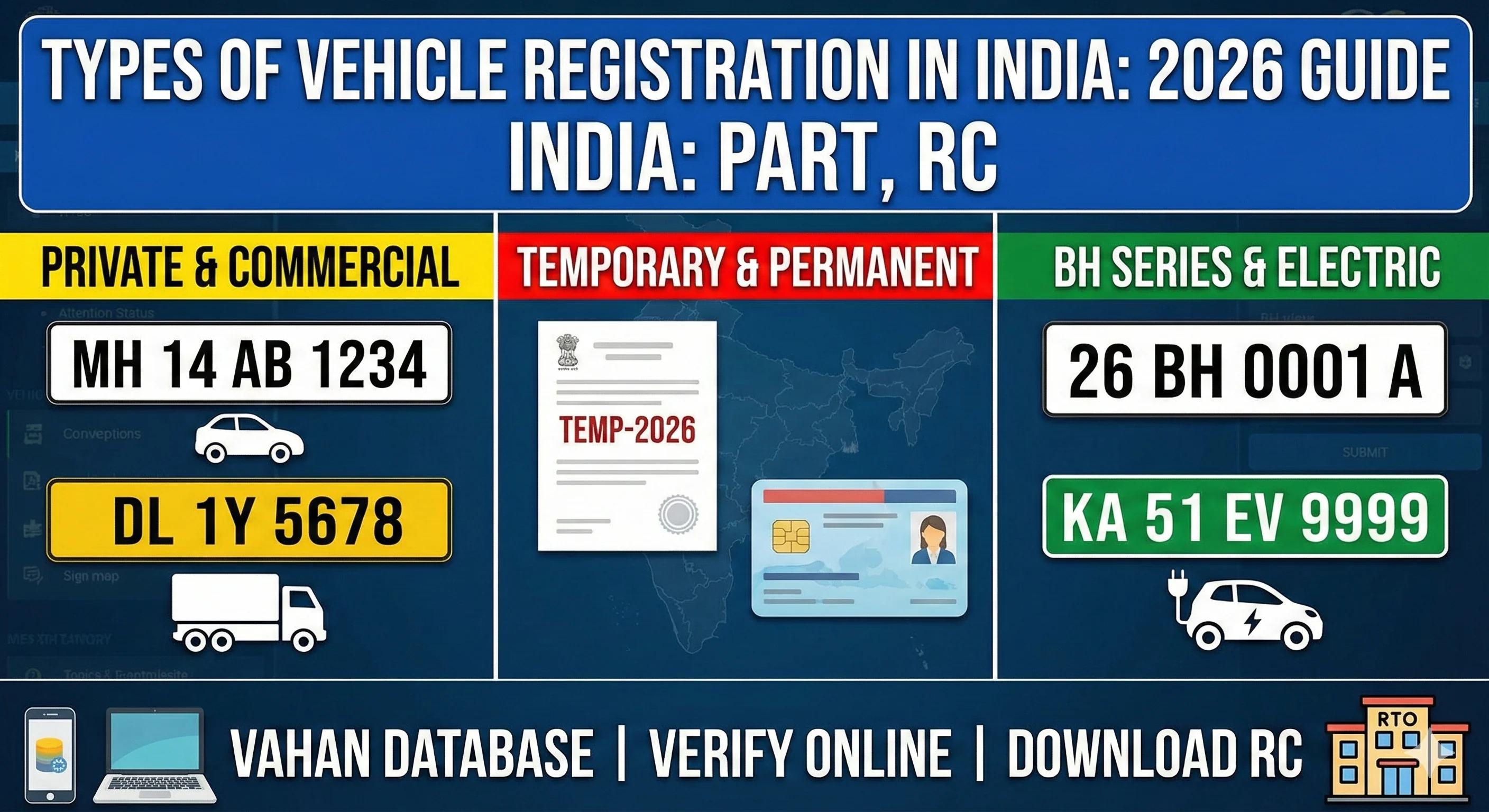
Types of Vehicle Registration in India (2026 Complete Guide)
Learn private, commercial, temporary, permanent, BH series, and electric vehicle registration. Validity, rules, and how to check details online.